
WORK / INTERACTIVE DEMONSTRATIONS
Try the details that make a store work.
Two small, working browser demonstrations show how we think about storefront states and integration behavior. These are illustrative examples with synthetic data, not Shopify-connected stores or client results.
01 / STOREFRONT EXAMPLE · SYNTHETIC DATA
Choose a fit. See the right state.
A sample apparel selector distinguishes a sold-out size from a combination that does not exist.
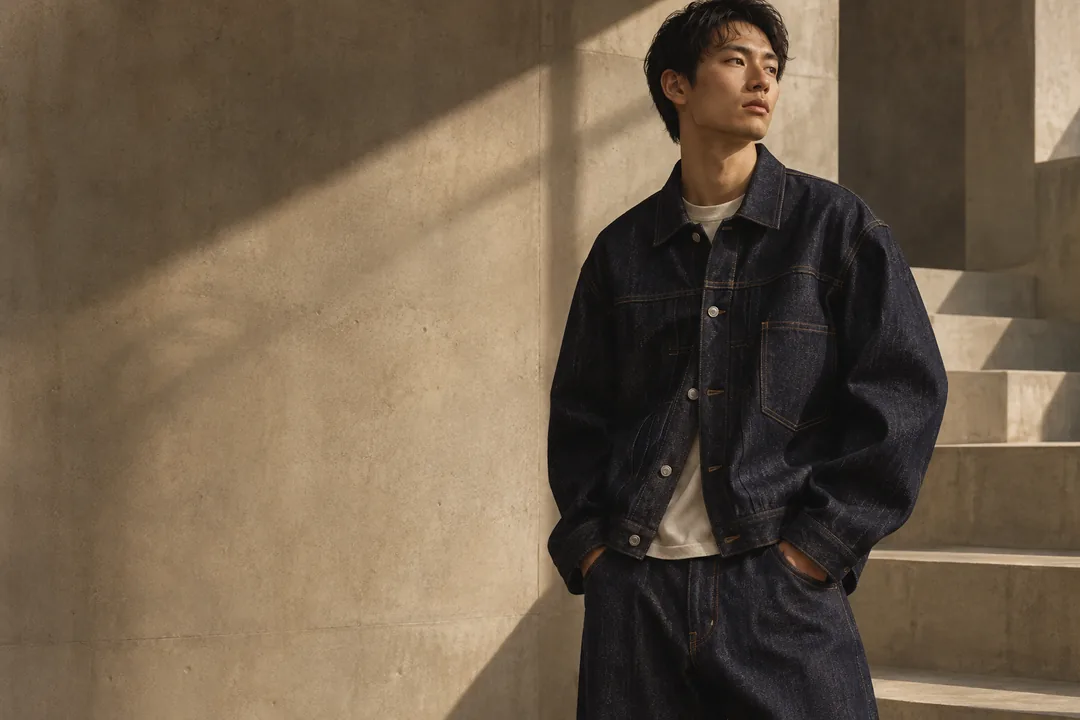
Sample straight-leg jeans · USD 89
Indigo / Small is available. Sample stock: 4.
Demo cart is empty. No checkout or order is created.
Try Indigo / Medium (sold out) and Black / Large (not offered). This is a browser interaction demo, not a connected Shopify theme.
02 / INTEGRATION EXAMPLE · SIMULATED
Retry an event without counting it twice.
Apply the sample inventory event, then retry the same event ID. This local model shows the intended duplicate-event behavior.
- Sample SKU
- DEMO-DENIM-S
- Event ID
- sample-event-001
- Requested stock
- 12
- Current sample stock
- 4
- Applied changes
- 0
Ready. No external system is connected.
This demonstration runs in browser memory and resets on reload. Production integrations need persistent event tracking, authentication, concurrency handling, and reconciliation.
From a demonstration to your store
A real implementation depends on your theme, catalog, apps, Shopify access, and connected systems. We agree on acceptance checks using your actual requirements before building. These local examples do not establish production scalability, API compatibility, or sales improvement.